Transform_Mix NKPD
Author: Franklin Toussaint - http://franklinvfx.com/transform_mix-3/
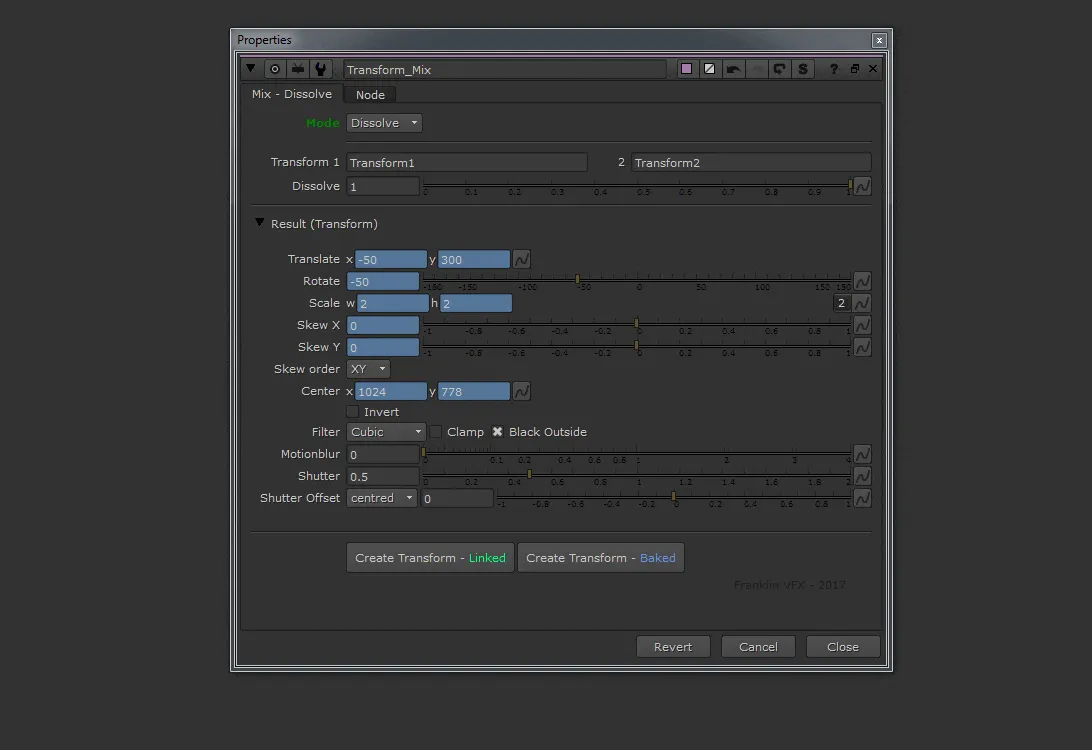
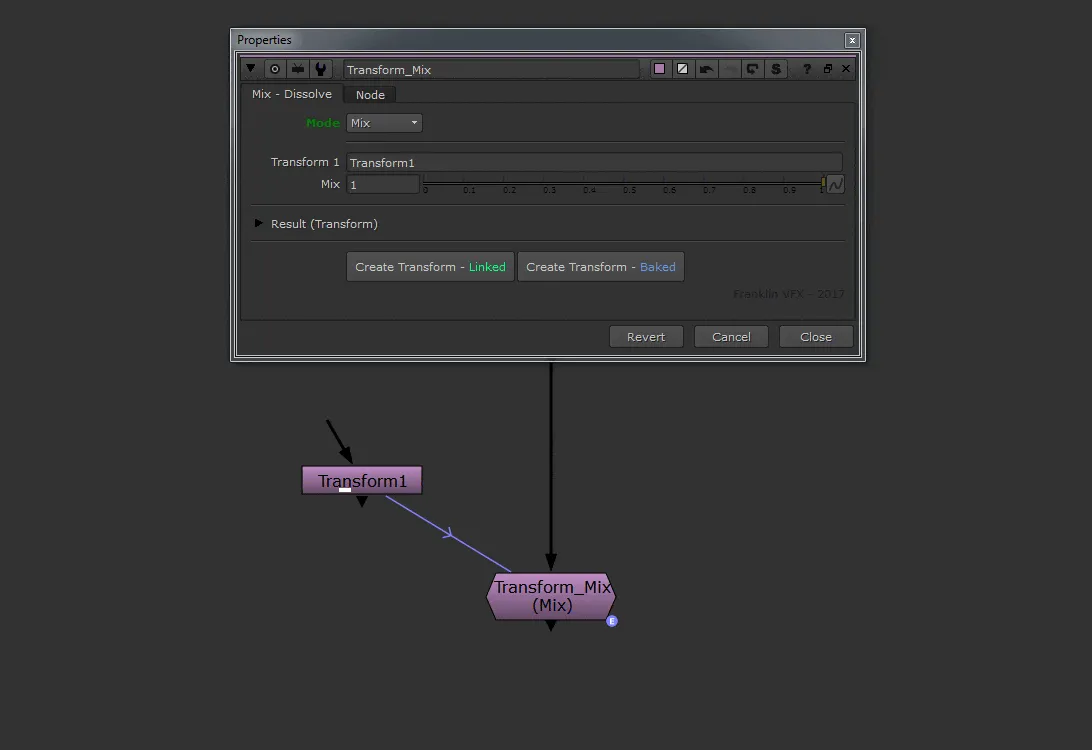
This tool has two functions:
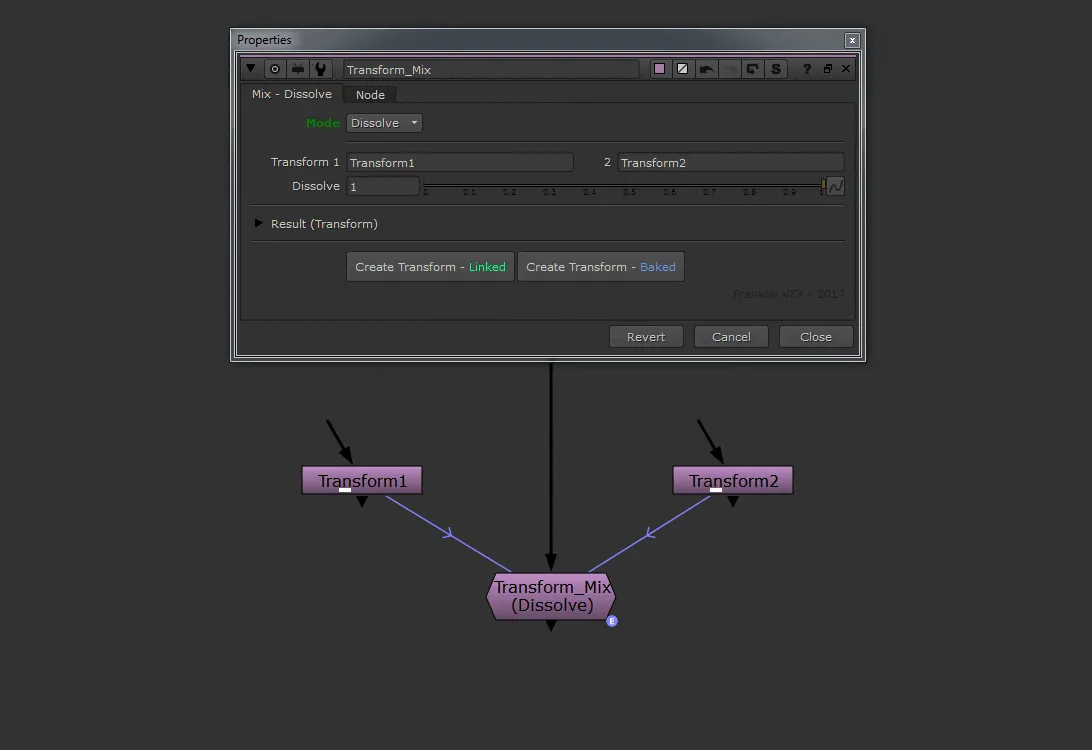
- Mix mode – To decrease the resulting value of another Transform node.
- Dissolve mode – To mix two Transform nodes together with a slider.
Controls:
- Mode: To choose between "Mix" mode or "Dissolve" mode
- Transform 1: To create a link (enter the name of the Transform reference node)
- Transform 2: If on "Dissolve" mode enter the name of the second Transform reference node
- Mix:
- 0 = all the knobs go to the default value of a native Transform node
- 1 = the value of all the knobs becomes the value of the linked node (Transform 1)
- Dissolve:
- 0 = the value of all the knobs becomes the value of the linked node (Transform 1)
- 1 = the value of all the knobs becomes the value of the linked node (Transform 2)
- Create Transform: To create a new Transform node with the current transform value (linked or baked)