ChannelCreator TL
Author: Tony Lyons - https://www.CompositingMentor.com
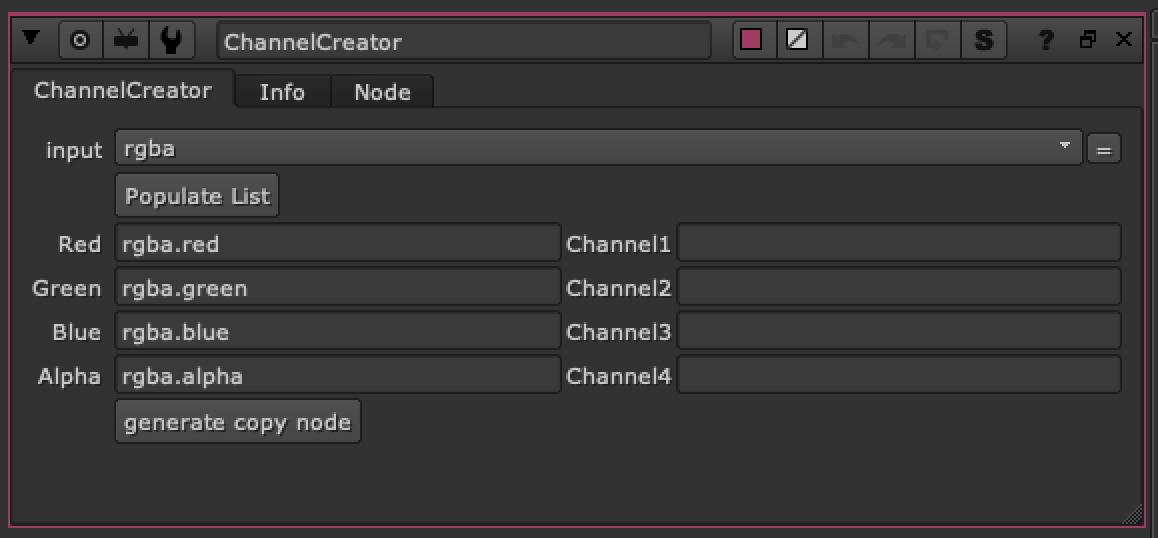
This tool is meant to be used with ID's or mattes that are in the RGBA layer. Create new names for the channel you wish to copy over and this node will create a copy node that converts rgba.red rgba.green, rgba.blue, and rgba.alpha over to new channels. Just enter a name in the right side column and the suffix will be
Example:
rgba.red    --> hat          =    hat.red
rgba.green --> glasses   =    glasses.red
rgba.blue  --> shoes      =    shoes.red
rgba.alpha --> jacket     =     jacket.red
rgba.red    --> hat.red
rgba.green --> glasses.red
rgba.blue  --> shoes.red
rgba.alpha --> jacket.red