NukeZ [MJT]
Author: Mark Joey Tang - http://www.facebook.com/MJTlab
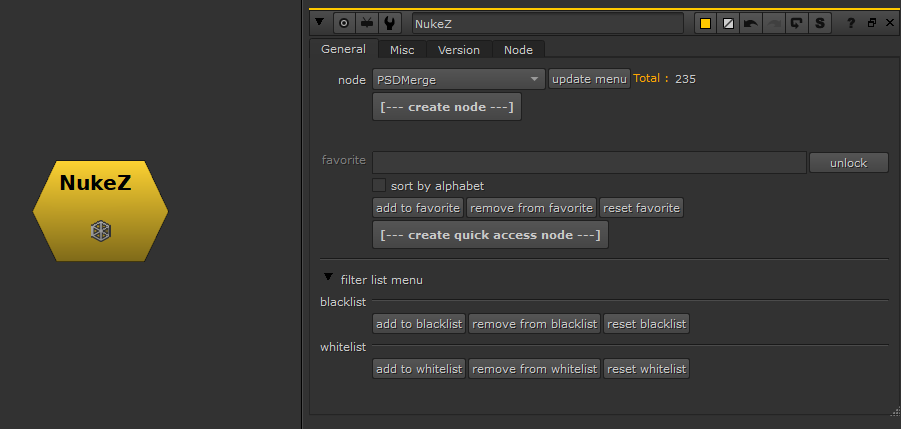
NukeZ can access hidden/old version nodes quickly without memorizing the class name. Create personal favorite node sets (including those hidden/old version nodes).
How to Use
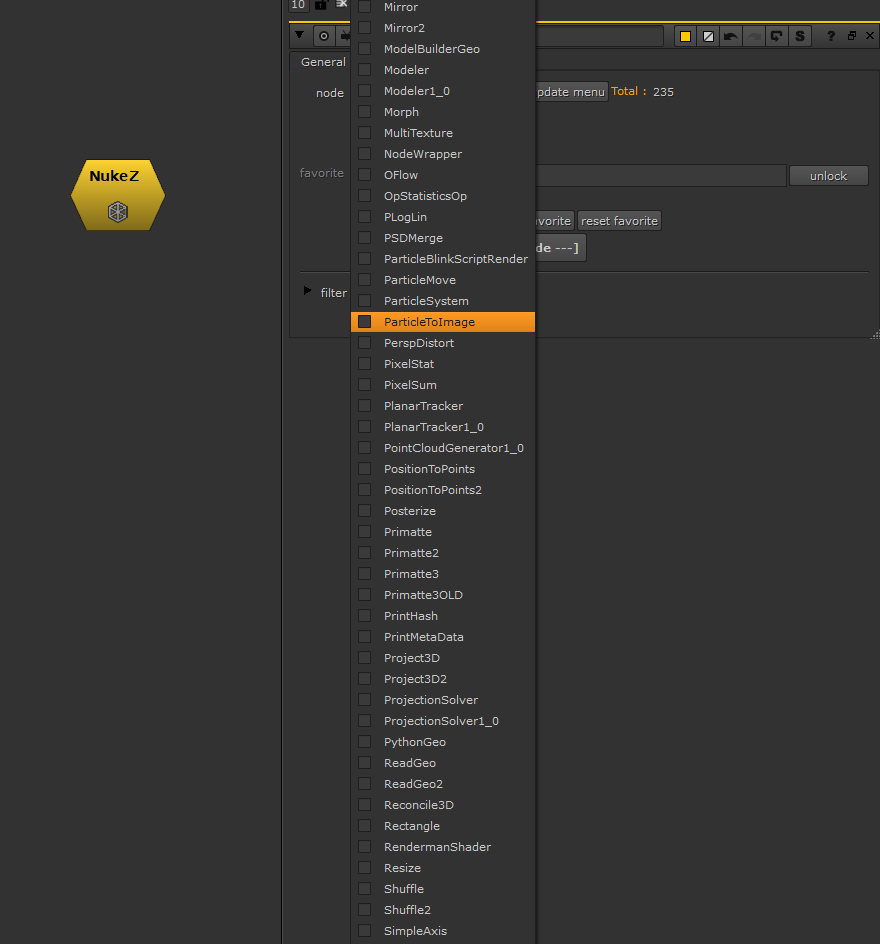
- Click 'update menu' for your first run. It's because different versions of Nuke have different node sets. (e.g. ParticleBlinkscriptRender will give you error if pulled out on Nuke12.0 or below)
- After updating the menu, select any nodes in the menu, and click 'create node' to pull it out
- You can also 'add to favorite'. Once you are done with the favorite list, click 'create quick access node', then it will create a node with all your favorite nodes in a single panel
- After that, you don't need NukeZ anymore, you can just save 'NukeZfav_xx' into your toolset for personal use
How It Works
The tool detects all files in the plugin folder. There are a lot of nodes that already exist in Nuke's UI menu, so there's a filter function. The duplicated classes will not show up in this tool - only those with multiple versions and hidden ones.
Examples
- 4 different versions of 'Tracking' (many people like to stick with the old one)
- 2 versions of LensDistortion (the old one is often preferred)
- Hidden nodes like 'ParticleToImage' You can edit the filter manually and detect file types. Whitelist is a list that doesn't find in the folder, so type in the node class manually to make it appear in the menu.